

Version 1.11.0
Take your lists anywhere, and never miss a change
What's new on AcroSpot in v1.11.0: export and bulk select on every list, notifications when plans change, two-factor without a password
Export and select any list, people hear when plans change, and a second lock on your account without a password.
 By Sandro, founder of AcroSpot2 min read

No platform does everything an organizer needs, and a festival always has that one question nobody planned for. Who paid by bank transfer last month? Which teachers still need their contract? Until now the answer sat in a list you could only read on screen. Version 1.11.0 of AcroSpot lets you take every list with you, makes sure people hear when plans change, and gives your account a second lock.
Every list, yours to take
The lists in Organize and Teaching now work the same way: a checkbox on each row, Select all, and Export selection as Excel or CSV, in the order and with the filters you see. Your events, payments, teacher pay, your team, membership fees, an event's teachers, helpers, extras and feedback all export. Payments unfold to open their registration or write a message, and teacher pay and your teaching history take a period from and to.
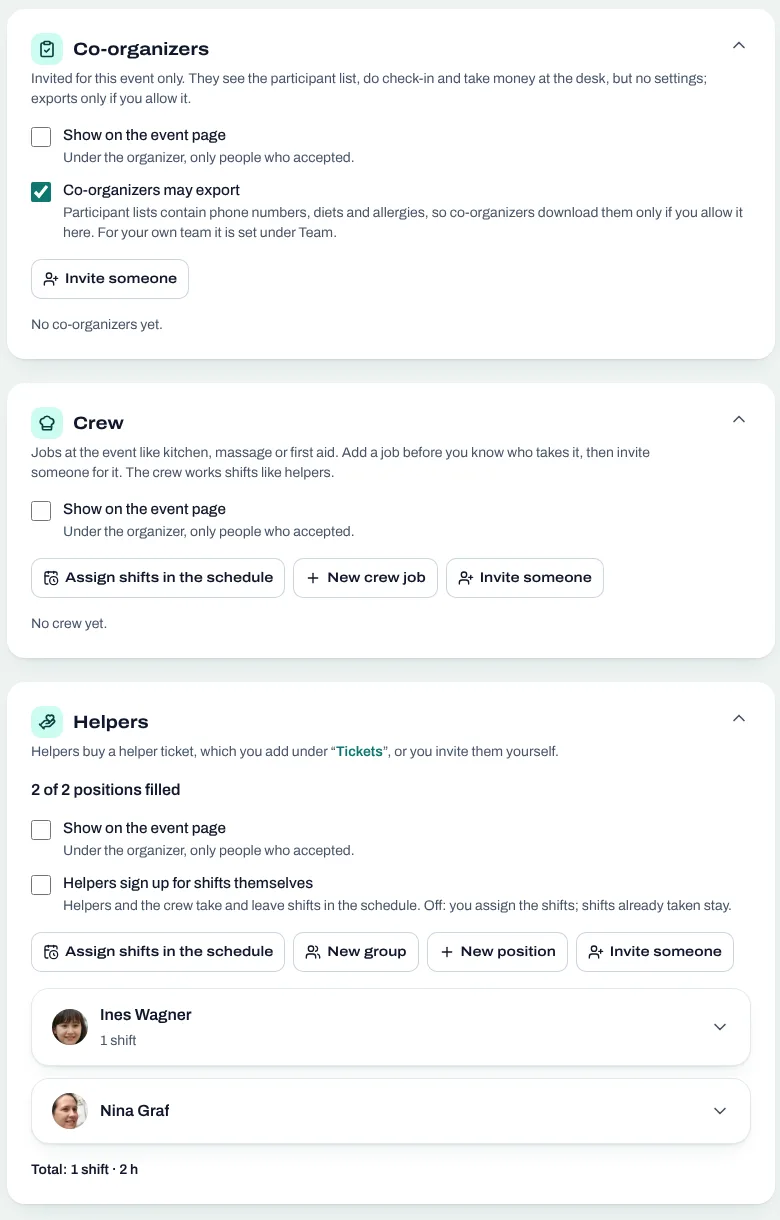
So whatever AcroSpot can't do yet, you do in a spreadsheet, without copying by hand. Some exports, like participant lists, are part of Premium. More on working as a team: running a festival as a team.
Whoever counts on something hears when it changes
Plans move, and the people who rely on them should know first. Teachers and helpers now hear when they are taken off an event or their sessions, shifts or terms change. People who starred a session hear when it moves or goes, once the change is published. A cancelled class date or a break reaches the class's teachers too, and a team member hears when their role changes. The event bell collects new tickets and newly shown teachers once an hour, so several changes make one calm entry instead of a flood.
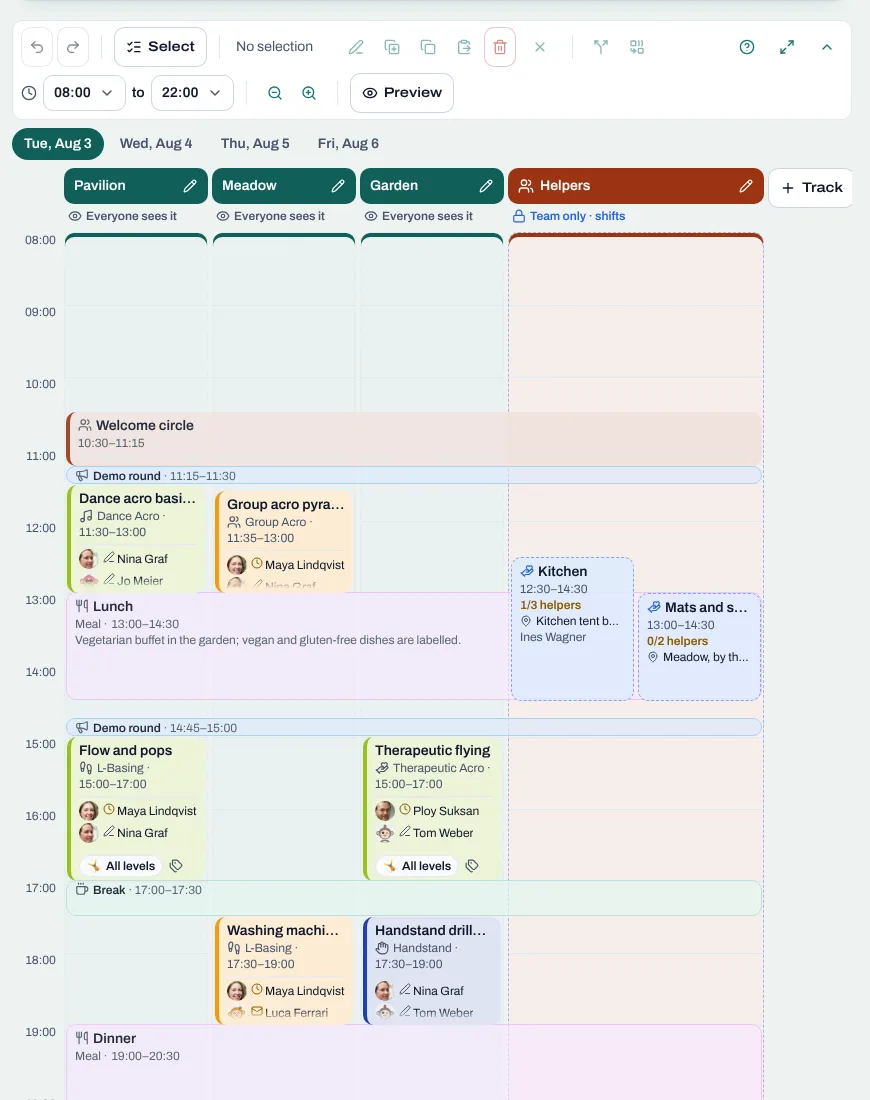
And when you wrote something too fast: your own message in a chat can be edited for five minutes after sending.
A second lock, no password needed
Most people log in to AcroSpot with a code by email and never set a password. They can now turn on two-factor authentication under Settings → Security all the same: confirm with an email code, scan the QR code with an authenticator app, done. From then on every login asks for the app's code as well, and a trusted device can skip it for 30 days. For an organizer who handles payments, that is a lot of peace for one minute of setup.
And more
The timetable planner takes day hours you set once and a day can change, a class is now simply an event that happens regularly or once, club rules can be formatted or link to your own page, phone fields empty with one tap, pictures show a beating emblem while they load, and public pages open faster.
Want to see it for your next event? Book a short onboarding call and we set up your festival together.
Read next
How to organize an AcroYoga festival or event, step by step
Jam, workshop, festival or retreat: the steps of organizing an AcroYoga event with a checklist, from venue and tickets to flyer and base balance and check-in.
5 min readRead
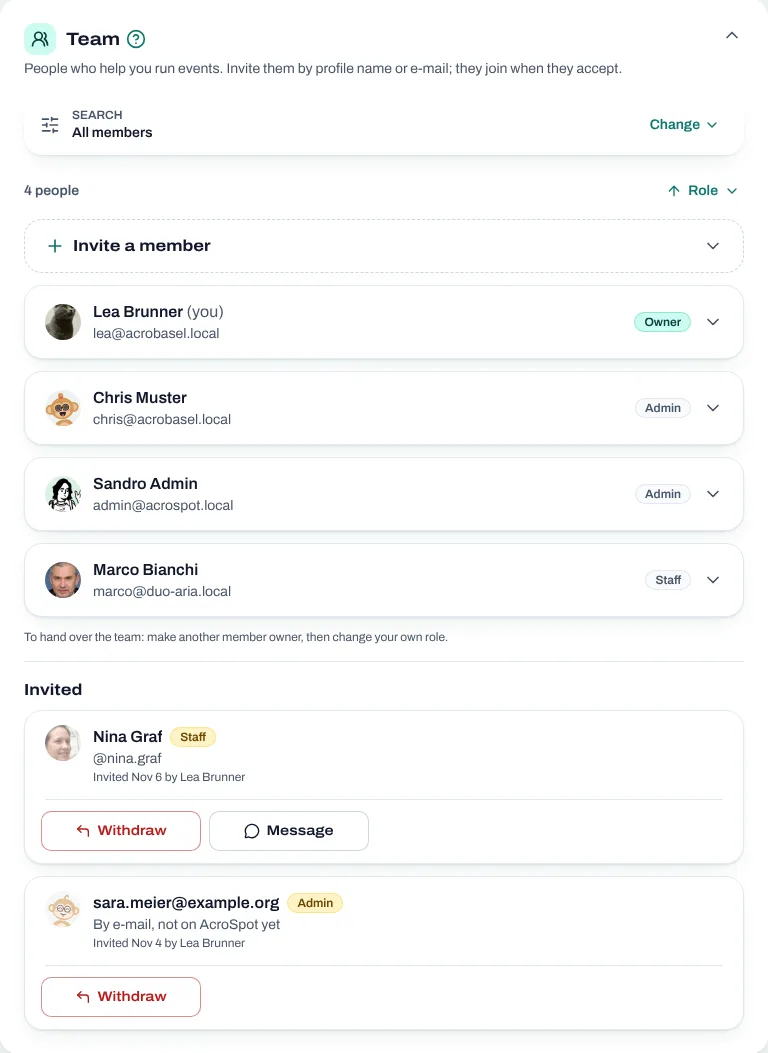
Running an AcroYoga festival as a team: roles, money and one inbox
Two people, one festival: how to share decisions, money, participant data and the inbox with co-organizers, and how to hand over without chaos.
5 min readRead
Festival volunteers: how to find, schedule and thank your helpers
Volunteer shifts, helper tickets and a welcome desk you can hand over: how to run an AcroYoga festival with a happy crew instead of doing it all alone.
5 min readRead