

Version 1.13.0
Your club moves in, members and all
What's new on AcroSpot in v1.13.0: member kinds and jam hosts for clubs, rooms and tents booked whole, and one clear way to pay
Bring your club's members over from the old website, let a host run each jam, rent a whole room or tent to one person, and show every way to pay the same way.
 By Sandro, founder of AcroSpot3 min read

A club lives on its regulars: the members who pay a yearly fee, the friend who opens the hall on Tuesdays, the list of names that still sits on the old website. Until now moving all of that to AcroSpot meant starting from zero. Version 1.13.0 lets your club move in with its members, gives every jam a host, lets one person book a whole room or tent, and makes paying look the same wherever it happens.
Your club, with its own members
A club now defines its own member kinds: a name, a fee and, if you like, free dates. Each kind shows how many people hold it today, how many ran out and how many are invited. Your members list comes along from the old website as a CSV import, and every imported person can take their data along with one tap when they sign up. The old club address leads to a page that says where you went.
Every jam date can have hosts. The event page names them, and a host opens the door check-in on their phone, marks who paid and steps back again, without being an admin of the club. And when someone asks to join, the club can ask for the date of birth and an emergency contact. People fill them in once, they stay in their profile, and the club sees them only with the person's consent.
A whole room or tent, just for me
Some people want the double room to themselves, or a tent without a stranger in it. You now decide per room, tent or van whether it can be booked whole. Where you allow it, the registration offers "One place" or "Whole room for me" and shows the price right there. The whole booking counts all its places everywhere: in what is left, in the room plan and at the desk. More on planning rooms in room allocation for festivals and retreats.
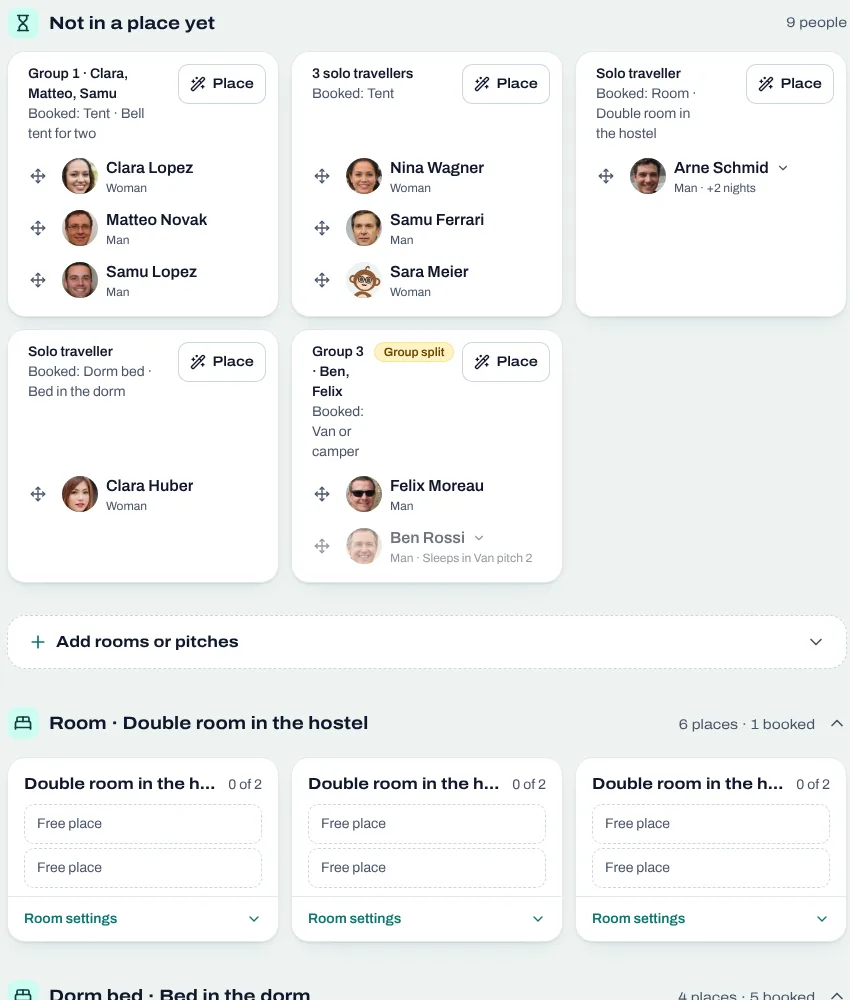
A shared tent or van is now called a tent or a van, not a room, in the registration, on the ticket and at the desk. And your team can try the registration before sales start, while participants see the date from when they can buy.
Paying looks the same everywhere
Whether it is a ticket, the rest by bank transfer, a membership fee or a shop order: the ways you accept now show up as the same choice boxes. People copy the reference, pick one way, see its details (the bank QR code, the IBAN, the link) and say "I have paid via …" where that makes sense. When you set up a way to pay, the list now tells what happens automatically (online via Stripe, confirmed at once) and what you confirm yourself (cash, bank, TWINT to you).
And more
The event wizard asks its fields as questions and includes the pages of your event type (schedule, teachers, accommodation, team) as steps you can skip, photos are uploaded first and placed afterwards, people keep their usual clothing size in the profile for T-shirt extras, consent boxes show in the reader's language, a tab left open during an update offers a reload instead of an error, deleting a place is faster and shows that it runs, and amounts read the same in Safari.
Want to bring your club or your next festival over? Book a short onboarding call and we set it up together.
Read next

How to organize an AcroYoga festival or event, step by step
Jam, workshop, festival or retreat: the steps of organizing an AcroYoga event with a checklist, from venue and tickets to flyer and base balance and check-in.
5 min readRead
Room allocation for festivals and retreats: rooms, dorms, tents, vans
Sell rooms, dorm beds, tents and van spots with your tickets, collect room wishes, keep women-only dorms and print the room plan of your AcroYoga festival.
5 min readRead
Running an AcroYoga festival as a team: roles, money and one inbox
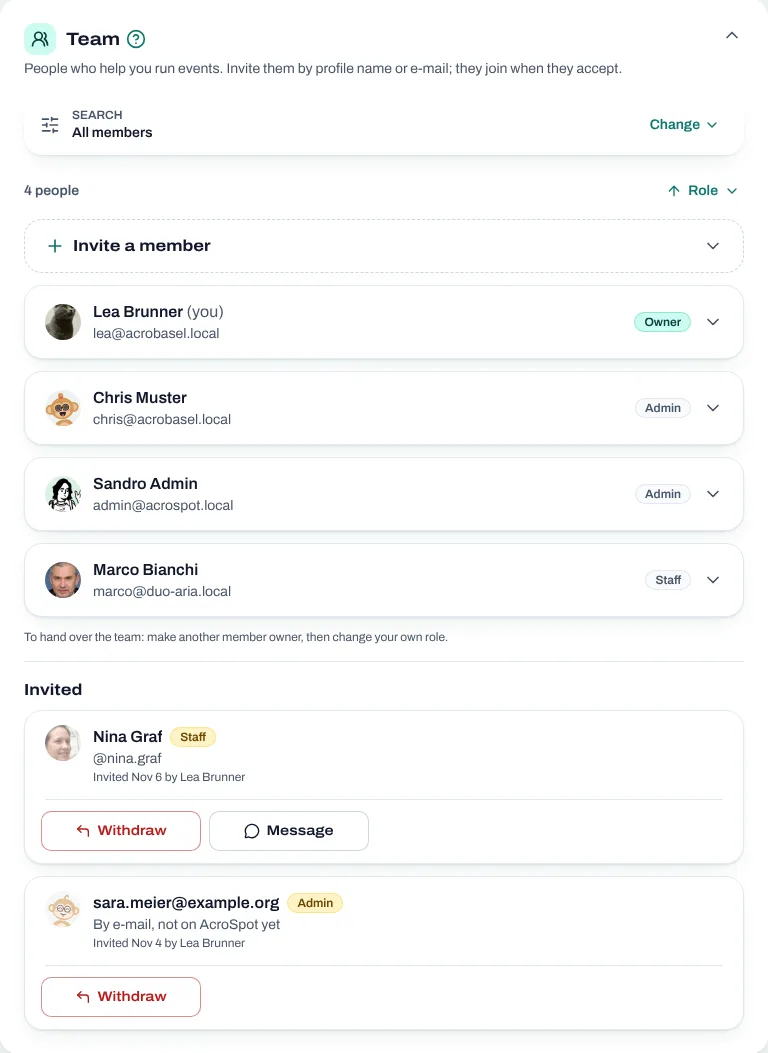
Two people, one festival: how to share decisions, money, participant data and the inbox with co-organizers, and how to hand over without chaos.
5 min readRead