

Version 1.9.0
Check in your guests with any phone
What's new on AcroSpot in v1.9.0: check-in on every phone, your team dragged onto the schedule, TWINT through Stripe, Dutch
Scan tickets with any phone, work through each guest's arrival step by step, drag teachers and helpers straight onto the schedule, and use AcroSpot in Dutch.
 By Sandro, founder of AcroSpot3 min read

The first hour of a festival decides how it feels: a queue at the desk, someone looking for a list, a guest who doesn't know where they sleep. And in the weeks before, the schedule only comes together when every session has its teacher and every shift its helper. Version 1.9.0 of AcroSpot makes both easier, and it speaks one more language.
Check-in with the phone in your pocket
Scan ticket now works on every phone and laptop with a camera, not only on some browsers. At a desk with a laptop, Scan with phone shows a QR code: your phone becomes the scanner, and every ticket you scan opens the guest's card on the laptop within seconds. No camera at hand? Type the ticket number under the camera, the event's short code is already filled in. From 24 hours before the event, your guests find their ticket's QR code right at the top of their ticket page.
The guest's desk card now reads from top to bottom, the way your team works through an arrival:
- Arrives with: the travel group, the room mates and the partner, each with their state and a tap away.
- The notes you wrote about the guest, before anything else.
- The steps as numbered tiles: check in, ID, money, accommodation, food and extras, each showing what it needs (the room and who shares it, the diet and allergies, the extras booked). The next open step is the green one.
Complete check-in marks the guest as arrived, and the card says who checked them in and when. The check-in list shows each guest's room and extras, and groups people by travel group or by room, so a whole group is welcomed at once.
Drag your team onto the schedule
In the schedule planner, the Team strip above the plan now works by drag and drop: drag a teacher onto a session and they teach it, drag a helper onto a shift and they work it. While you drag, the card under the pointer turns green when it takes the person and red with a short reason when it doesn't. A wrong drop? Undo, or Ctrl+Z and Cmd+Z, takes it back.
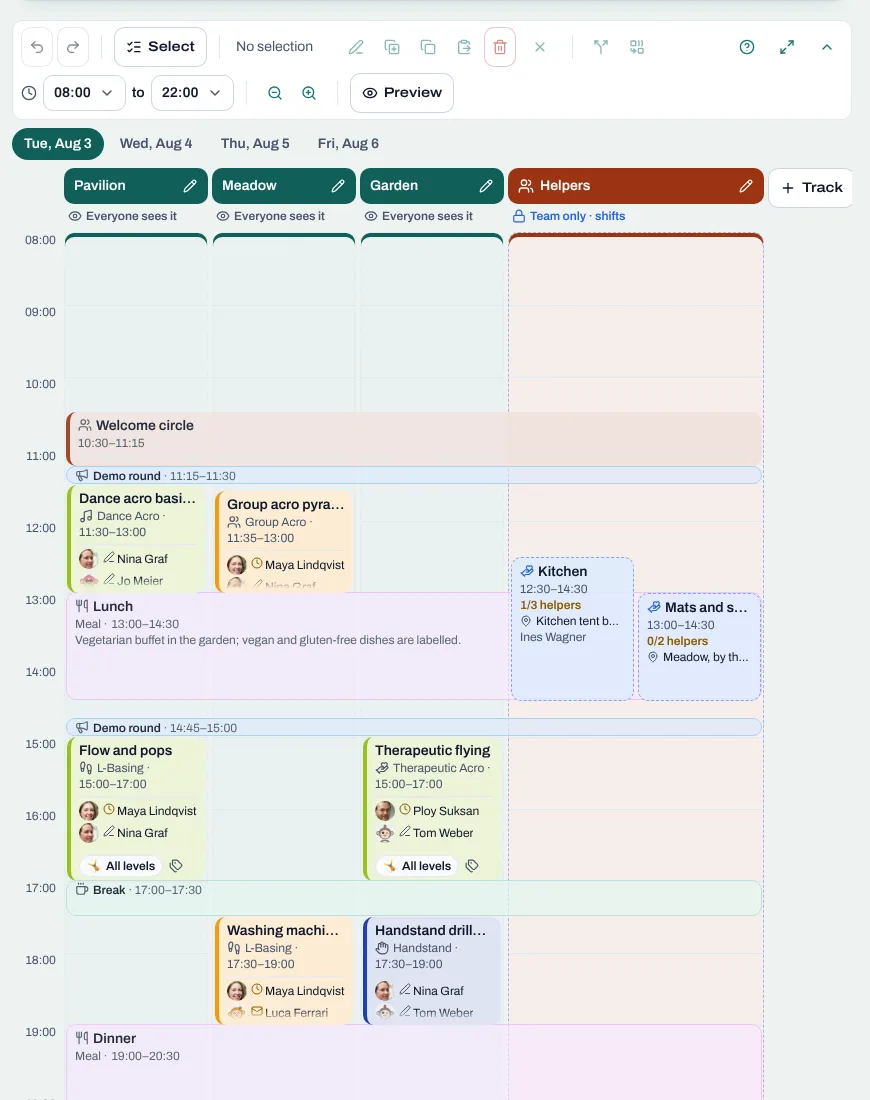
Every teacher of your event is now a position you can fill, counted like helpers (Teacher 1, 2, 3), and people who follow a teacher hear when that teacher teaches at your event. More on planning the program: festival timetable template.
AcroSpot now speaks Dutch
AcroSpot is now available in eleven languages: English, German, Bulgarian, Spanish, French, Portuguese, Italian, Turkish, Polish, Romanian and, new, Dutch. The site picks the language of the browser, and the switcher at the bottom of every page changes it. The texts organizers write are translated into every one of these languages when you publish or change them.
And more
Swiss organizers can take TWINT through Stripe next to cards, clubs can open a shop on their club page for T-shirts and more (Premium), the room plan downloads as one designed PDF with travel groups marked by letters, notification settings come as one clear list, every wizard has a step bar you can tap, and many small fixes make planning calmer.
Want to see it for your next event? Book a short onboarding call and we set up your festival together.
Read next
Festival timetable template: how to plan an AcroYoga schedule
A festival timetable template and guide: tracks, slots, demo rounds, breaks, levels and fair teacher loads, and how to change the plan calmly.
5 min readRead
Festival volunteers: how to find, schedule and thank your helpers
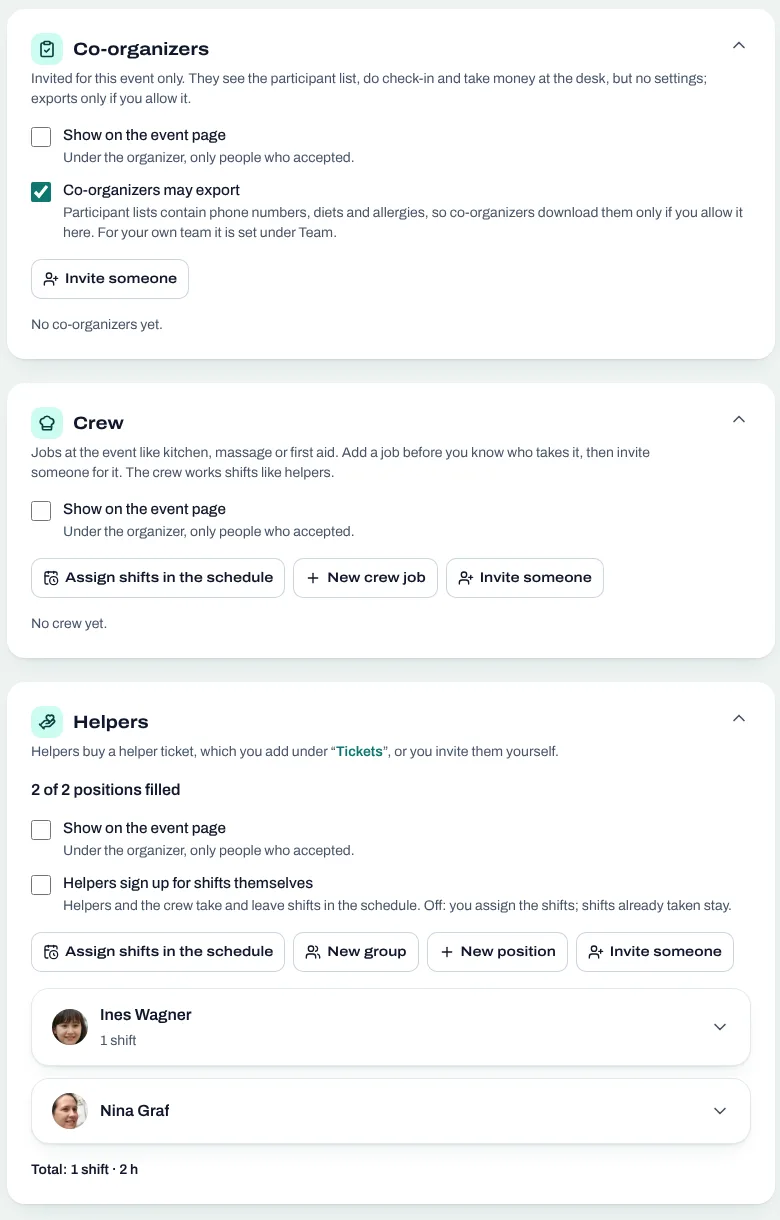
Volunteer shifts, helper tickets and a welcome desk you can hand over: how to run an AcroYoga festival with a happy crew instead of doing it all alone.
5 min readRead
Room allocation for festivals and retreats: rooms, dorms, tents, vans
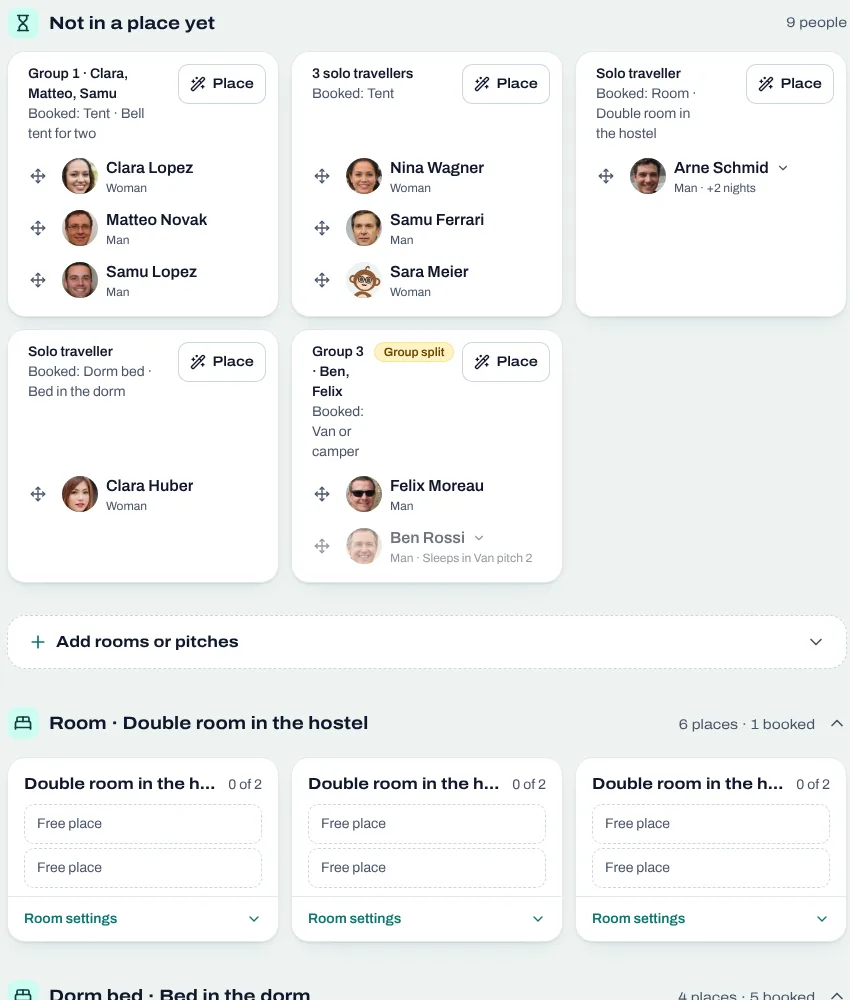
Sell rooms, dorm beds, tents and van spots with your tickets, collect room wishes, keep women-only dorms and print the room plan of your AcroYoga festival.
5 min readRead