

Version 1.10.0
Plans change, and your bookings can too
What's new on AcroSpot in v1.10.0: changing a booking, automatic discounts, a home for teachers
Guests ask for changes in the steps they booked with, you change a whole booking at once, discounts fill your event by themselves, and teachers get their own space.
 By Sandro, founder of AcroSpot2 min read

A booking is rarely final. A guest wants the double room after all, a friend joins for the masterclass, someone needs vegetarian food instead. Until now that meant messages back and forth and changes by hand. Version 1.10.0 of AcroSpot turns it into a few taps, helps you fill the last places, and gives the teachers of your events a home of their own.
Change a booking without the back and forth
Your guests now find Change my registration on their ticket. It opens the same steps they booked with, already filled in: ticket, accommodation, food, extras and questions. They change what they need, add a reason, and the request reaches you as a message, with the wished changes listed before and after and the difference in price.
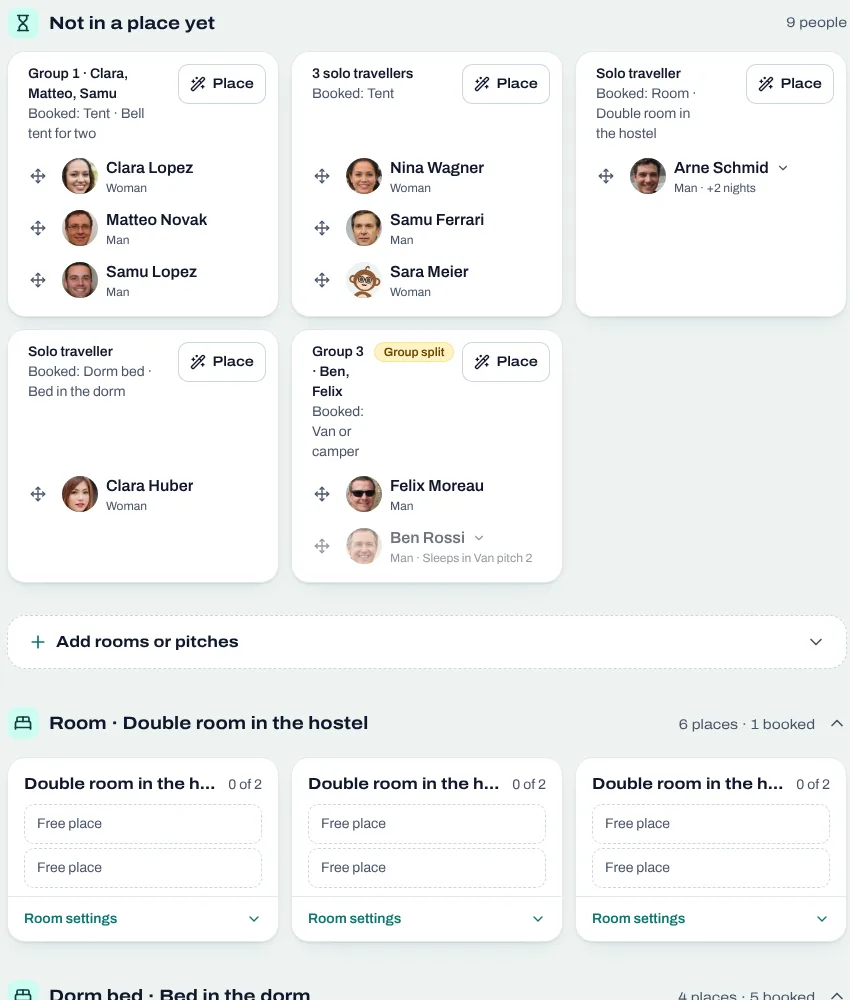
On the registration's page you see the request and open Change booking right at the step it is about. Ticket, room, food and extras change in one go, the old place frees up and the new one is taken at once. Nights and days follow the new ticket: a stay per night and food per day move with it, so the numbers stay right without a calculator. More on rooms: room allocation for festivals and retreats.
Discounts that fill your event by themselves
Automatic discounts (Premium) take a percentage off by a rule you set once: from a day or an hour before the start, until a number of people are registered, until the event is full or until flyers and bases are even. The preset Fill up gives a discount until your minimum is reached, so a class or a small event takes place. A last-minute discount for a class works the same way. The discount comes off by itself at checkout, after a guest's own reductions, and never stacks with a code.
Classes and jams now also pay like any other event, from the same Payment page: all when booking, a deposit and the rest later, or all at the event.
A home for teachers
Teachers get Teaching, built like Organize: a dashboard with what is coming up, the events they teach at with their sessions, hours and pay, their invitations, their payouts and their codes, and their teacher profile in one place. On your event, all teachers stand in one list with their sessions, hours and amount.
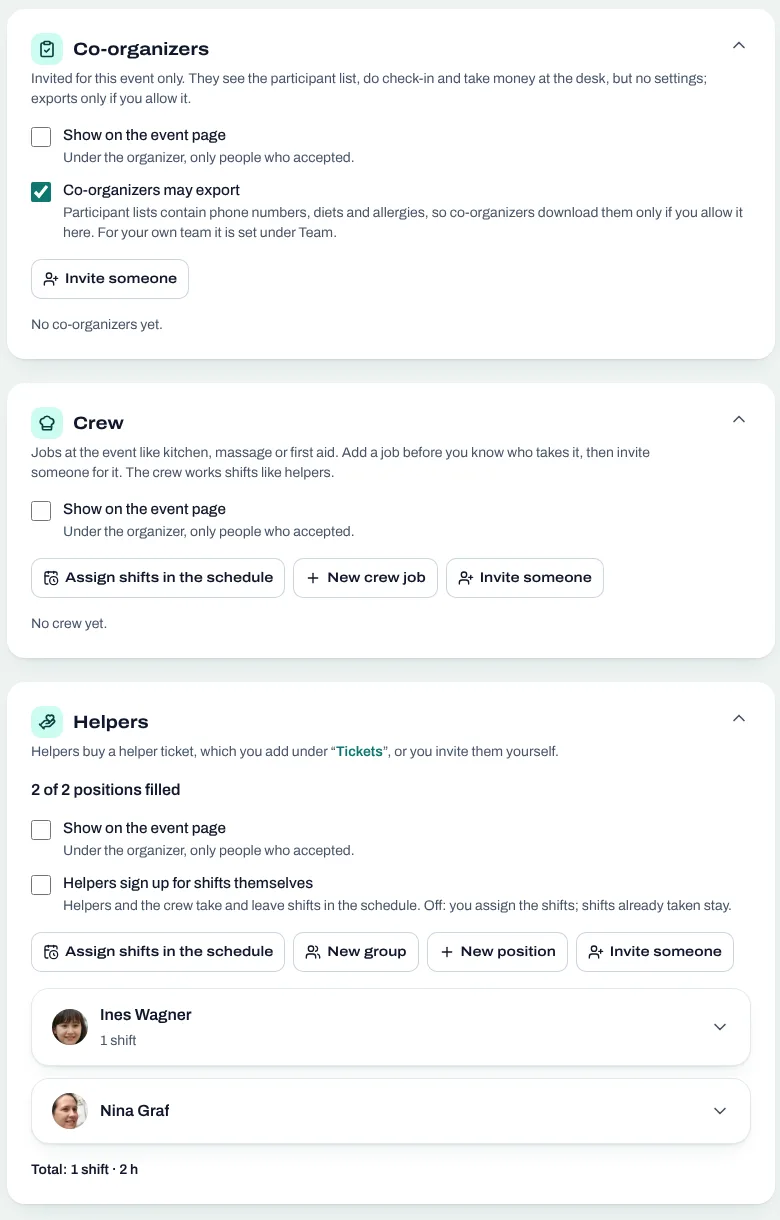
Teacher teams now write as one: a team has its own group chat, and two groups, say your festival and a teacher couple, talk in one shared conversation instead of a dozen private ones.
And more
Food is now priced per meal, with a limit per day, the photos of your event can appear at several places, signing up works with one code and no required profile, passkeys show when they were last used, and many small fixes make organizing calmer.
Want to see it for your next event? Book a short onboarding call and we set up your festival together.
Read next

How to organize an AcroYoga festival or event, step by step
Jam, workshop, festival or retreat: the steps of organizing an AcroYoga event with a checklist, from venue and tickets to flyer and base balance and check-in.
5 min readRead
Room allocation for festivals and retreats: rooms, dorms, tents, vans
Sell rooms, dorm beds, tents and van spots with your tickets, collect room wishes, keep women-only dorms and print the room plan of your AcroYoga festival.
5 min readRead
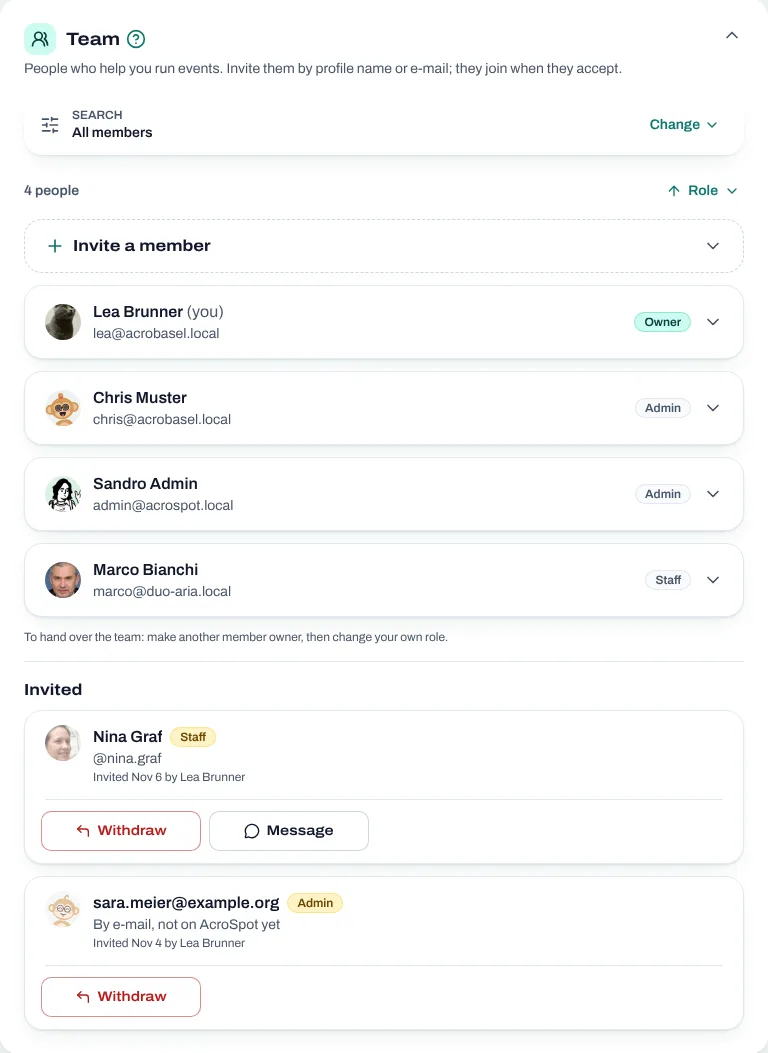
Running an AcroYoga festival as a team: roles, money and one inbox
Two people, one festival: how to share decisions, money, participant data and the inbox with co-organizers, and how to hand over without chaos.
5 min readRead